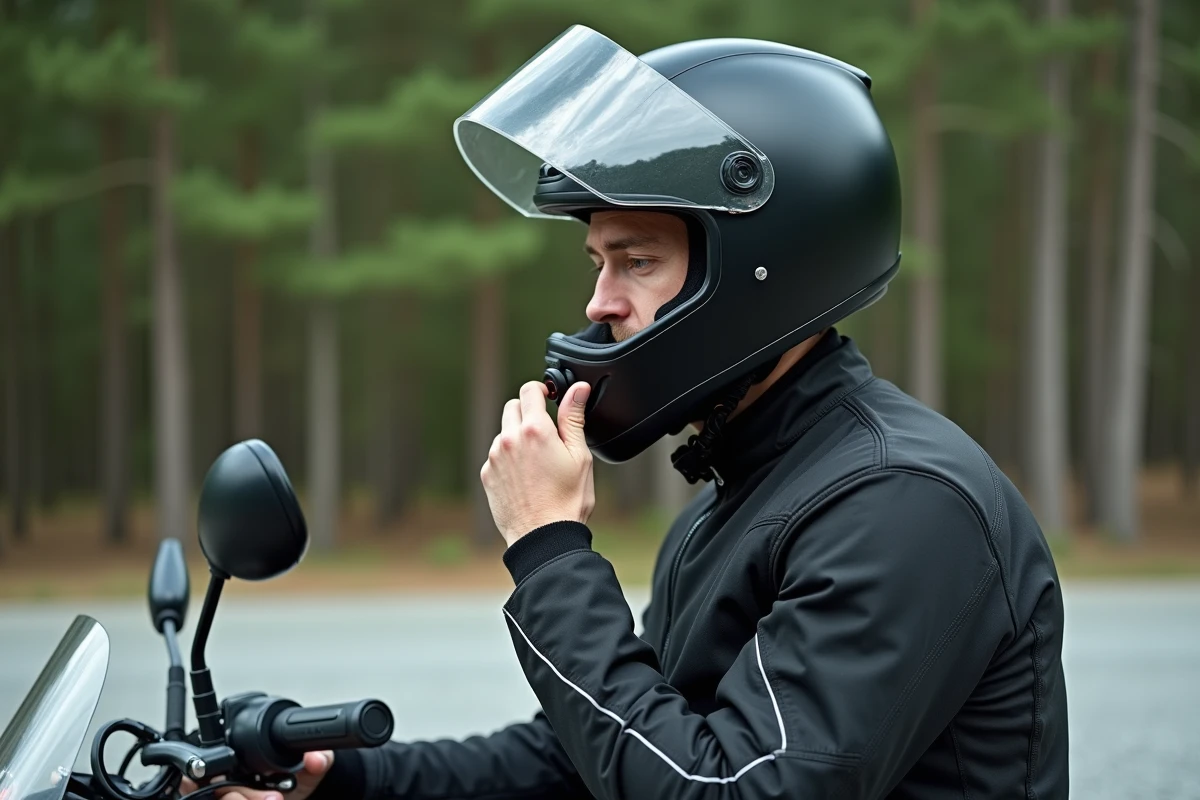
The mediocre sound of a motorcycle intercom rarely comes from the speakers themselves. The Bluetooth codec used during pairing, the embedded firmware, and the audio signal processing software are primarily responsible for a flat or muffled sound. Before repositioning anything in the headset, we recommend checking these software settings, often overlooked by traditional guides.
Bluetooth Profile and Audio Codec: The Real Bottleneck of Intercom Sound
A motorcycle intercom paired in HFP (Hands-Free Profile) limits the audio bandwidth to phone quality. The A2DP profile, dedicated to stereo streaming, offers a significantly wider frequency range and allows for higher codecs like AAC or aptX.
On most Sena and Cardo modules, the profile used depends on the active mode at the time of connection. If you start music from an ongoing intercom call, the system often remains locked on HFP. To force the switch to A2DP, you need to disconnect the intercom communication, restart the music streaming, and then reactivate the intercom if necessary.
The SBC codec, negotiated by default when the smartphone and intercom do not share a higher common codec, compresses the signal aggressively. Check in the developer options on Android (or in the advanced Bluetooth settings on iOS) which codec is active. We find that simply switching from SBC to AAC is enough to restore the clarity of mids and the definition of voices without touching the volume.
Motorcyclists looking to improve their intercom sound often focus on hardware, while this software layer conditions the entire audio chain.
Motorcycle Intercom Firmware: Audio Gains Without Changing Hardware
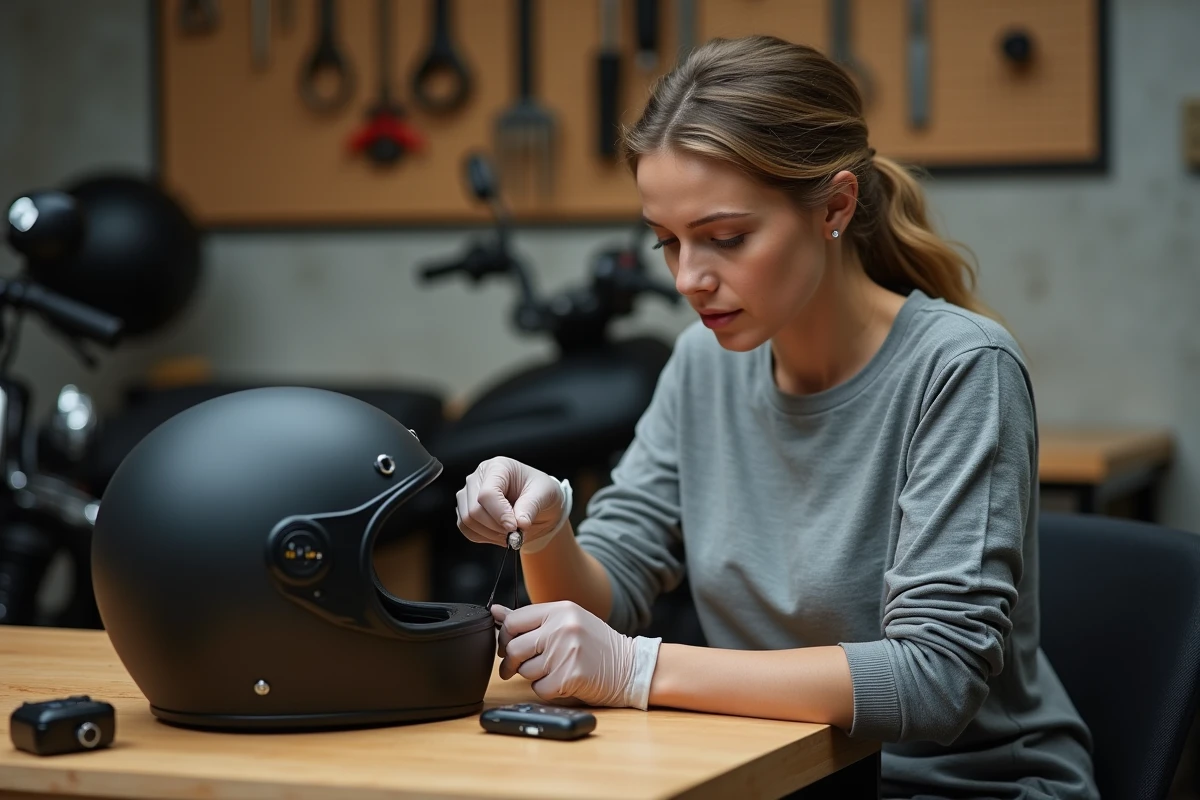
Firmware updates for Sena and Cardo intercoms regularly fix volume management bugs, improve Bluetooth connection stability, and optimize the embedded DSP processing. A module with outdated firmware accumulates limitations that the hardware no longer justifies.
The procedure varies by brand. On Sena, the Sena Device Manager (desktop) or Sena Motorcycles (mobile) app automatically detects available versions. On Cardo, the Cardo Connect app manages OTA updates. We recommend checking the firmware at least once per season.
An outdated firmware can limit the maximum volume by several decibels compared to the latest version. This gain accumulates with the codec settings mentioned earlier, making the overall improvement noticeable even at highway speeds.
Equalizer and Software Amplification on Smartphone
The equalizer built into the Sena or Cardo apps offers presets (music, voice, bass boost), but these settings remain limited. A more refined approach involves using the smartphone’s own equalizer or a dedicated third-party app.
Settings to Favor for a Motorcycle Helmet
The acoustic environment of a closed helmet at high speed imposes specific correction choices. Rolling noise and wind primarily mask mids and highs, not lows.
- Boost the frequencies between 1 kHz and 4 kHz by a few decibels to compensate for the masking of voices by aerodynamic noise
- Slightly reduce the lows below 200 Hz, as small-diameter speakers quickly saturate at these frequencies in a closed volume
- Activate the smart volume limiter (available on Android and iOS) to avoid distortion at high levels without losing perceived dynamics
On Android, developer options also allow you to force the Bluetooth bitrate (LDAC or aptX HD if the module supports it). Each link in the chain, from codec to equalization settings, contributes to the final result.
Speaker Positioning and Acoustic Isolation of the Helmet
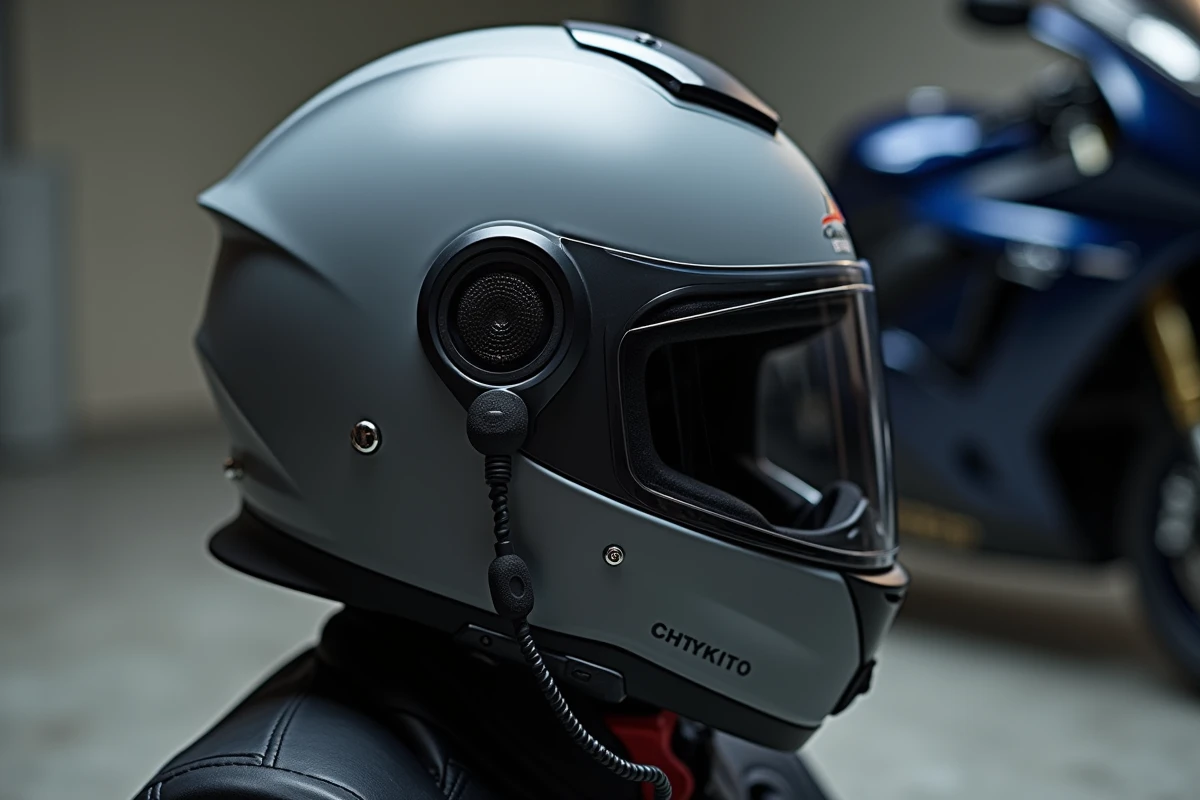
The physical placement of the speakers remains a determining factor, but its effectiveness depends on the internal geometry of the helmet. A shift of a few millimeters between the center of the transducer and the entrance of the ear canal is enough to lose a significant part of the perceived volume and the reproduction of highs.
Precise Calibration Method
Put on the helmet without tightening the chin strap. Locate the exact position of your ears by pressing a finger on the inner foam. Mark this point, then align the center of the speaker with this mark. The adhesive foams provided with most Sena and Cardo kits allow for gradual adjustment.
Some helmets have pre-molded notches for the speakers, but their position rarely corresponds to the morphology of each rider. Foam wedges of a few millimeters bring the speaker closer to the ear and improve acoustic coupling without creating an uncomfortable pressure point.
Earplugs: The Paradox That Works
Wearing earplugs with an intercom seems counterintuitive. In practice, filtering earplugs (not the standard foam ones) reduce wind and road noise while allowing vocal and musical frequencies to pass through. The signal-to-noise ratio improves significantly, allowing you to lower the overall volume while hearing music and communications better.
- Filtering earplugs primarily reduce the low frequencies of aerodynamic noise, where masking is most bothersome
- The perceived volume of the intercom remains almost identical, as the speakers are pressed against the helmet foam, not exposed to open air
- Auditory fatigue decreases significantly on long highway trips, preserving ear sensitivity throughout the day
The sound quality of a motorcycle intercom depends on the entire chain: Bluetooth codec, firmware, software equalization, physical positioning, and management of ambient noise. Correcting a single link provides modest gains. Addressing all of them in order produces a result that most motorcyclists mistakenly attribute to a hardware change.